- Cyber Safety
- Posts
- Your Browser Extensions Could Be Spying on You
Your Browser Extensions Could Be Spying on You
In partnership with

An AI scheduling assistant that lives up to the hype.
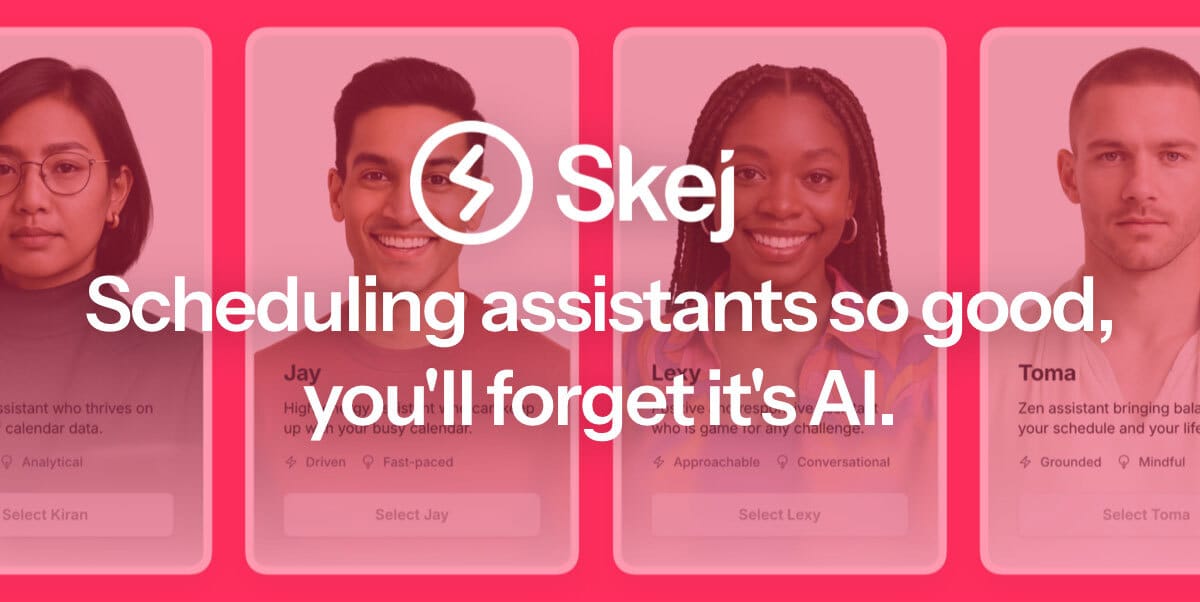
Skej is an AI scheduling assistant that works just like a human. You can CC Skej on any email, and watch it book all your meetings. It also handles scheduling, rescheduling, and event reminders.
Imagine life with a 24/7 assistant who responds so naturally, you’ll forget it’s AI.
Smart Scheduling
Skej handles time zones and can scan booking linksCustomizable
Create assistants with their own names and personalities.Flexible
Connect to multiple calendars and email addresses.Works Everywhere
Write to Skej on email, text, WhatsApp, and Slack.
Whether you’re scheduling a quick team call or coordinating a sales pitch across the globe, Skej gets it done fast and effortlessly. You’ll never want to schedule a meeting yourself, ever again.
The best part? You can try Skej for free right now.
🧩 Malicious Browser Extensions: The Hidden Threat Inside Your Browser
What looks like a helpful Chrome extension might actually be spyware. Security researchers have found dozens of browser extensions that collect browsing history, login data, and even credit card info—without user knowledge.
How They Work:
They request broad permissions (“Read and change all your data on websites you visit”).
Once installed, they silently capture keystrokes, cookies, and traffic.
Many evade detection by posing as productivity or shopping tools.
What You Can Do:
🔍 Audit installed extensions regularly—especially on work devices.
🧼 Remove anything you don’t use weekly.
🛑 Avoid extensions that request full-access permissions unless absolutely necessary.
🛡️ Use browser policies in managed environments to restrict installations.
🚨 If it’s free and helpful, it might also be quietly harmful.
🎯 Targeted Malware Campaigns Are Now Geofenced by IP
Sophisticated attackers are geo-targeting malware delivery—meaning the payload only executes if the user is in a specific location or on a company IP range. This tactic makes threats harder to detect and harder to analyze in sandboxes.
Why It Matters:
Traditional malware detection tools might miss these location-locked threats.
Investigators and defenders struggle to replicate attacks outside the target region.
Countermeasures:
Use global threat intelligence feeds to catch IP-specific malware.
Analyze endpoint logs and network behavior for indirect signs.
Educate remote workers to avoid public networks and VPN into secure corporate environments.
🌍 If it knows where you are, it knows how to hit you.
👋 Final Word
Today’s threats don’t always knock loudly. They sneak in through a to-do list app or a productivity tool. Keep your environment clean, question every install, and never stop educating your team.
Like this issue? Forward it to your team or tech lead.
Got a tip or threat you want us to investigate? Reply back.
—
Stay aware. Stay protected.
Team Cybersafety