- Cyber Safety
- Posts
- “Leaked by UI”: Drag & Drop, Comments & Metadata Exposure
“Leaked by UI”: Drag & Drop, Comments & Metadata Exposure
In partnership with

Personalized Onboarding for Every User
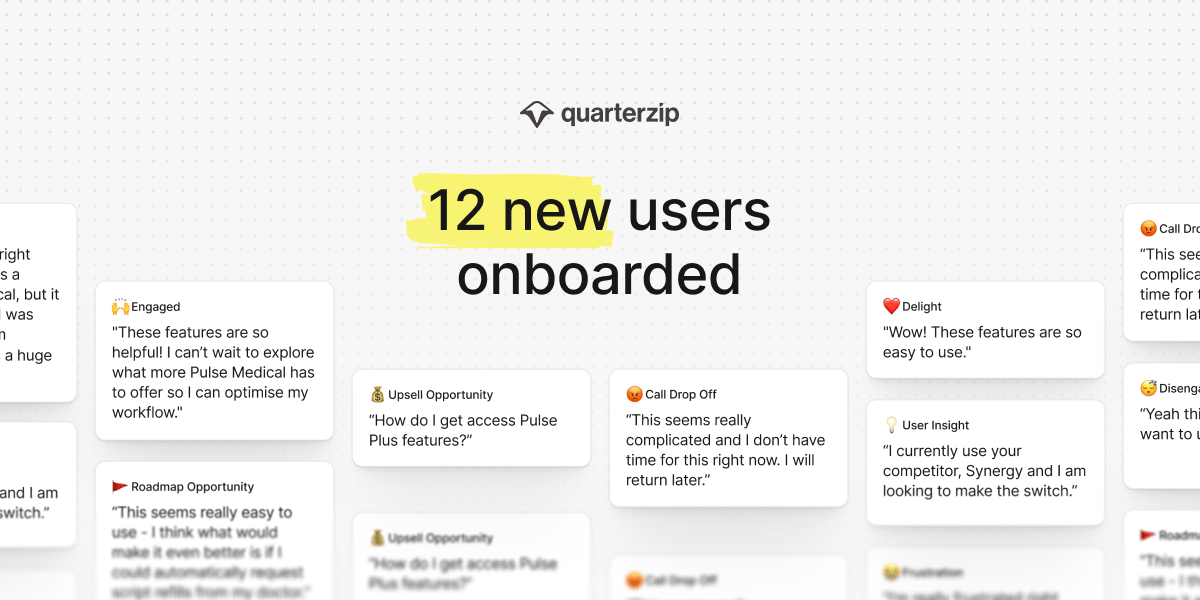
Quarterzip makes user onboarding seamless and adaptive. No code required.
✨ Analytics and insights track onboarding progress, sentiment, and revenue opportunities
✨ Branding and personalization match the assistant’s look, tone, and language to your brand.
✨ Guardrails keep things accurate with smooth handoffs if needed
Onboarding that’s personalized, measurable, and built to grow with you.
Drag-and-Drop Uploads Bypass File Type Filters
Web apps allowing drag-and-drop often fail to enforce the same security filters as manual uploads, letting malicious scripts or hidden payloads slip through.
Office files, PDFs, and design assets can leak usernames, file paths, GPS coordinates, and change history — all exploitable for social engineering or reconnaissance.
Image Previews Are Used to Mask Embedded Code
Attackers embed scripts in image files that preview normally but execute on interaction, especially via email or browser-based editors.
The Gold standard for AI news

AI will eliminate 300 million jobs in the next 5 years.
Yours doesn't have to be one of them.
Here's how to future-proof your career:
Join the Superhuman AI newsletter - read by 1M+ professionals
Learn AI skills in 3 mins a day
Become the AI expert on your team
Comments in Google Docs, Figma, or Notion often contain credentials, internal links, or roadmap info — which remain even after the content is finalized.
Link Previews Can Leak Private Information
Messaging platforms generate previews for internal links — sometimes caching private data in logs or exposing internal structure to external recipients.
Browser Autofill Behaviors Reveal Data Across Sites
Fields labeled as “email” or “name” on phishing sites can trigger browser autofill, leaking user data even without typing.
Stop Drowning In AI Information Overload

Your inbox is flooded with newsletters. Your feed is chaos. Somewhere in that noise are the insights that could transform your work—but who has time to find them?
The Deep View solves this. We read everything, analyze what matters, and deliver only the intelligence you need. No duplicate stories, no filler content, no wasted time. Just the essential AI developments that impact your industry, explained clearly and concisely.
Replace hours of scattered reading with five focused minutes. While others scramble to keep up, you'll stay ahead of developments that matter. 600,000+ professionals at top companies have already made this switch.
Comment Threads Carry Sensitive Content Long After Review